1. Reply in one click

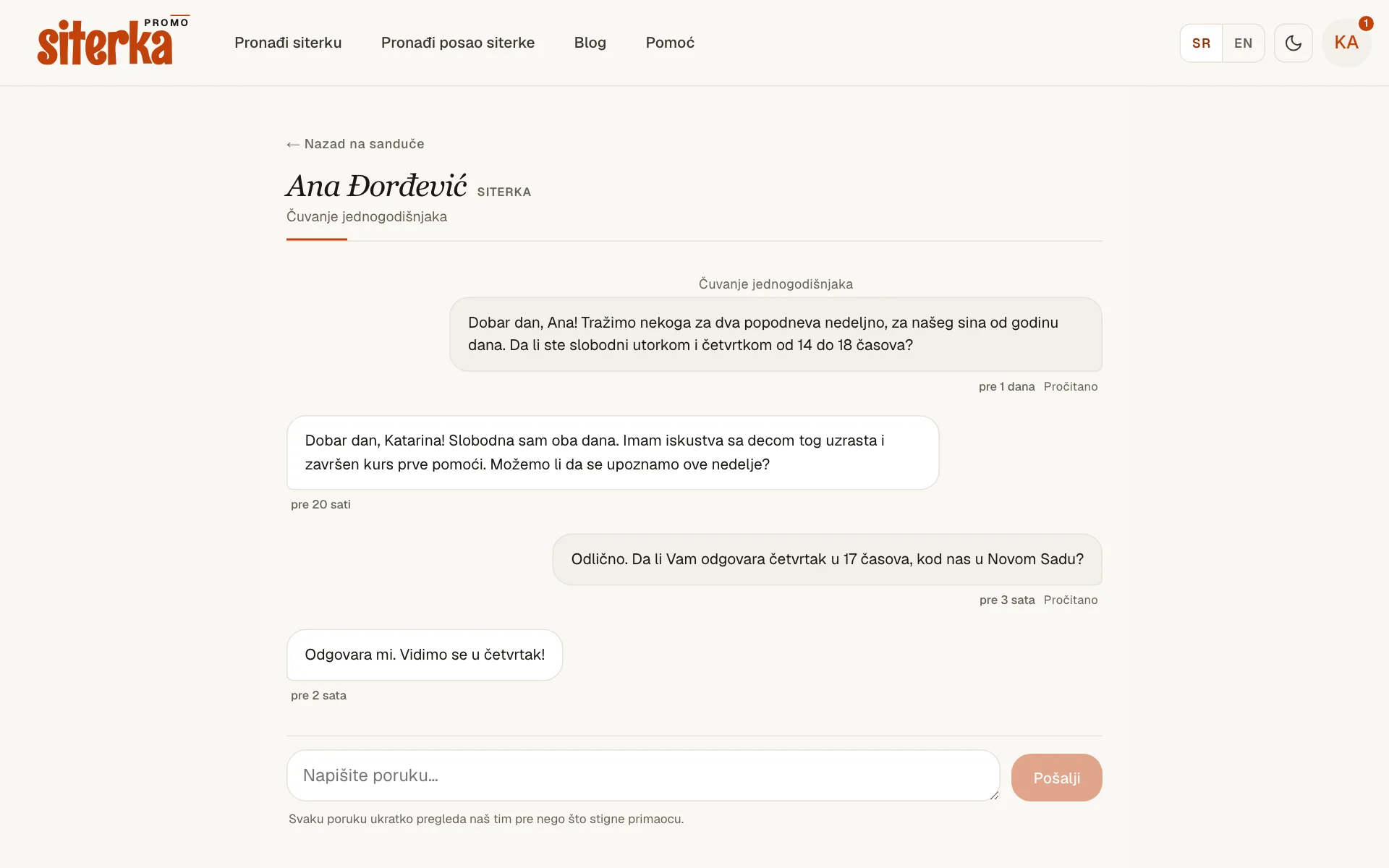
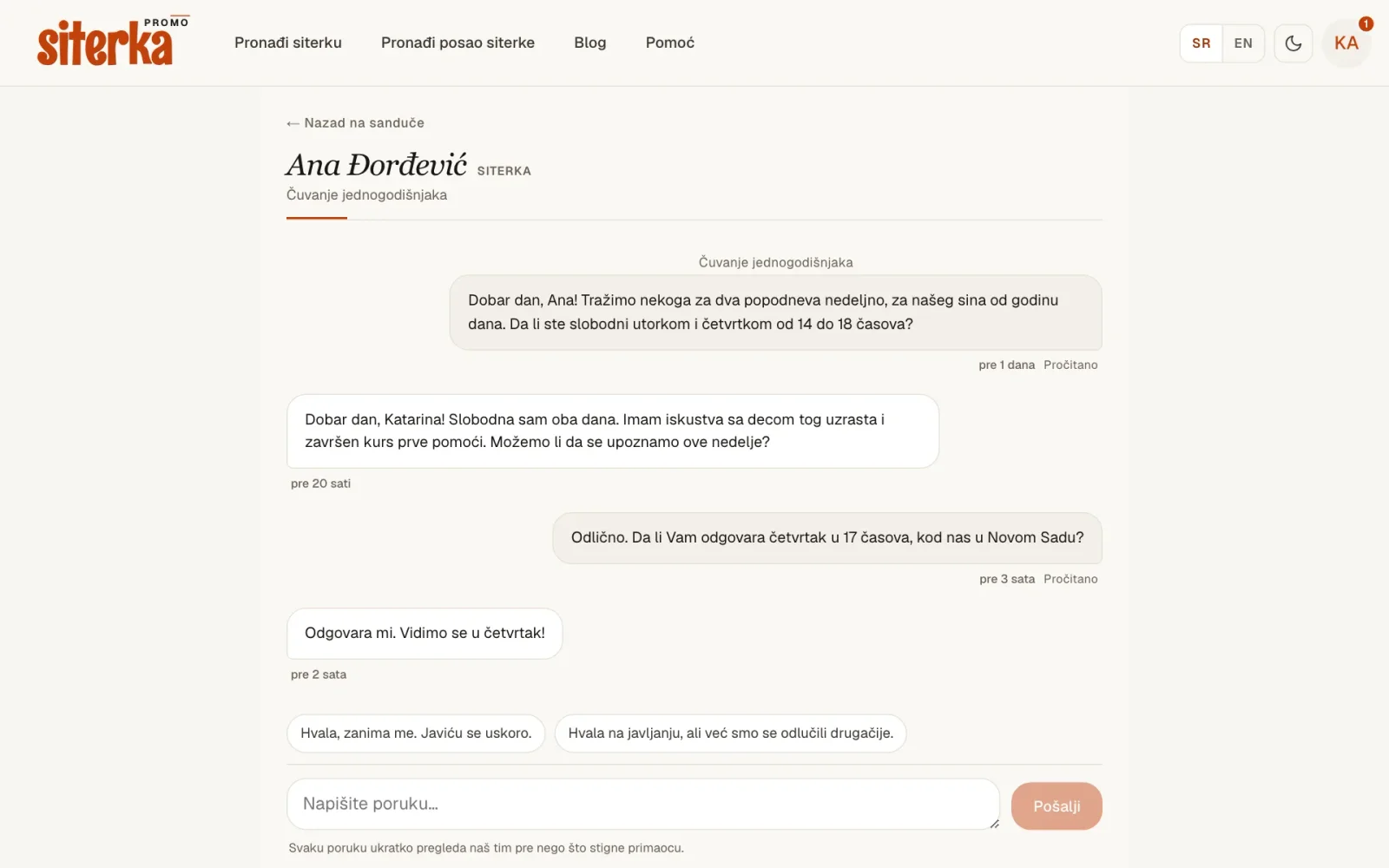
    A conversation with two ready-made replies above the message box

    When someone writes to you, two ready-made replies appear above the message box. Send one as it is and it arrives straight away, without review. A short "no, thanks" beats silence: the person who wrote to you knows where they stand and can move on.

    If your message goes five days without a reply, you'll see a No reply label. The reminder email now shows the start of the message, and under the inbox heading you can see how often and how quickly you reply. People who reply to most messages get a label on their advert photo.
  2. Stay signed in longer, and sign out your other devices

    • Sign-in lasts 7 days. Until now you had to enter your password again after two hours. Now you stay signed in for a week from when you sign in.

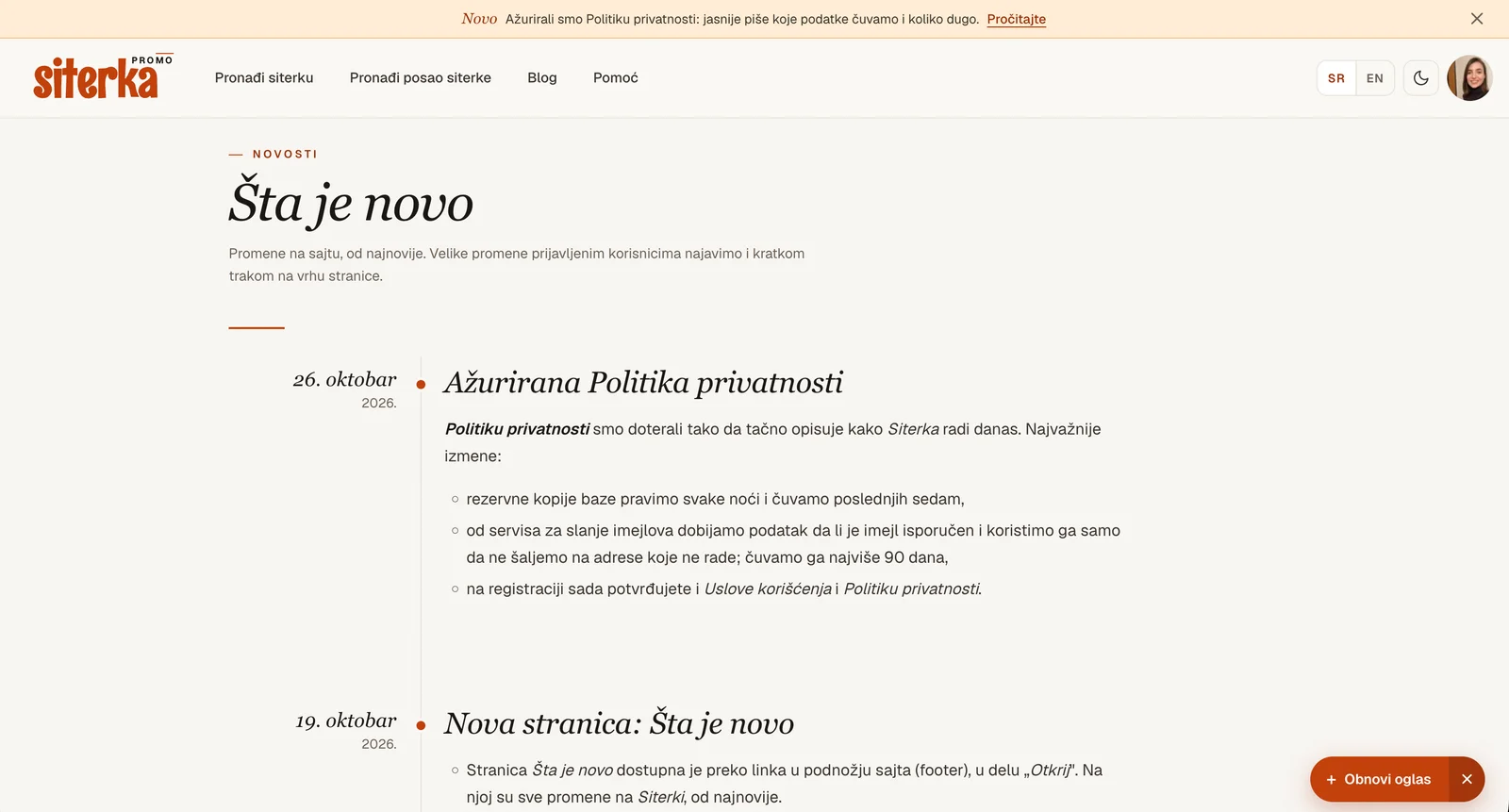
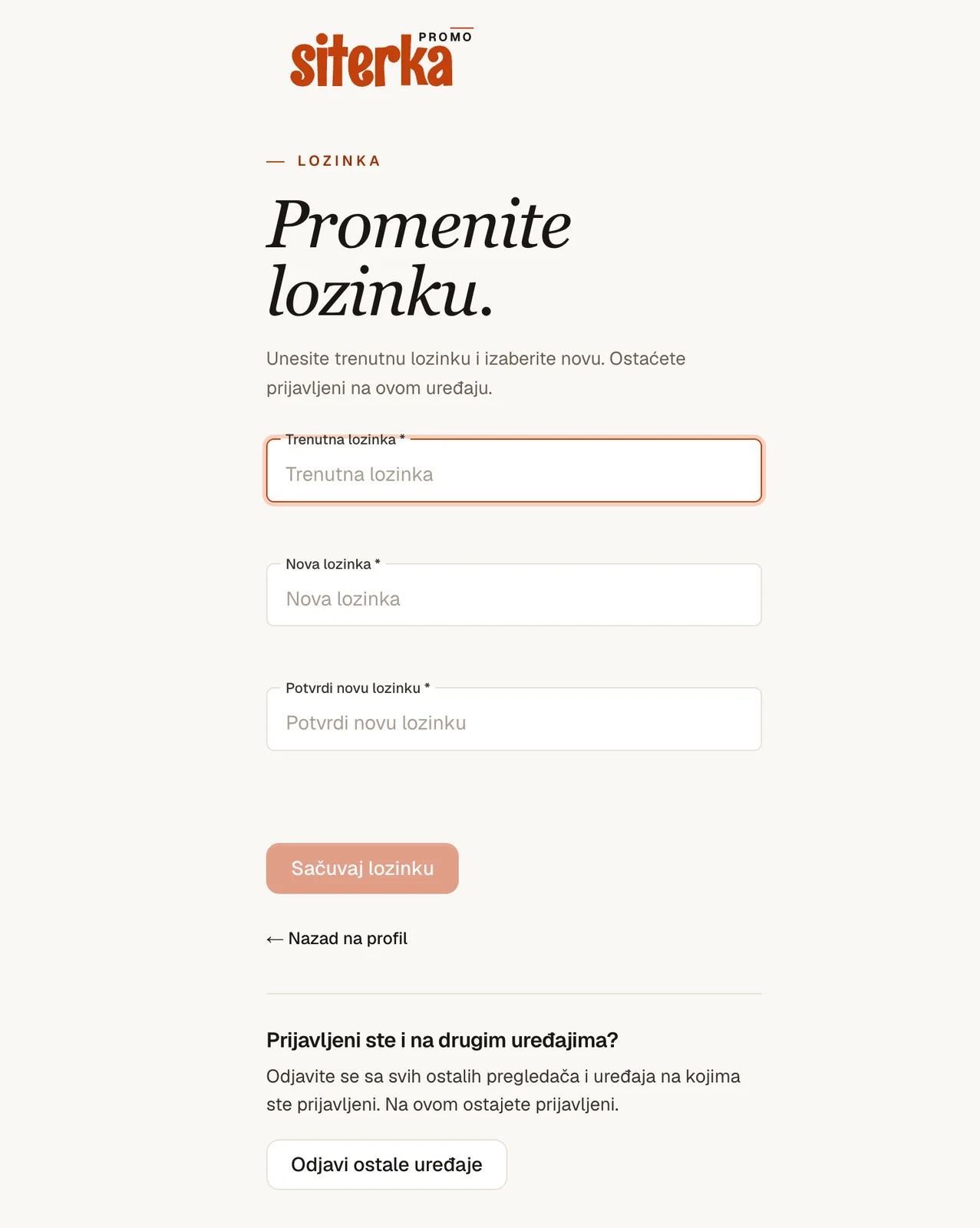
    • Sign out other devices. Signed in on someone else's computer, or lost your phone? In the menu choose Change password and click Sign out other devices. You stay signed in on the device you're using.

    • Know why you were signed out. When we sign you out, the sign-in page says why: the session ended, the password was changed, or your other devices were signed out.

  3. Make sure our notices reach your main inbox

    Some email services, Gmail most often, sometimes put our notices in Spam or Promotions, so you may miss that someone is waiting for your reply.

    To stop that:

    • check Spam and Promotions, and if an email from Siterka is there, mark it "Not spam",

    • add podrska@siterka.com to your contacts.

    After that, notices reach your main inbox. The same tip is in the FAQ.

  4. Updated Privacy Policy

    We revised the Privacy Policy so it describes exactly how Siterka works today. The main changes:

    • we back up the database every night and keep the last seven copies,

    • our email service tells us whether an email was delivered; we use that only to stop sending to addresses that don't work, and keep it for at most 90 days,

    • at registration you now accept both the Terms of Use and the Privacy Policy.

  5. New page: What's new

    All Siterka news is now in one place, on the What's new page.
    • The What's new page is linked in the site footer, under "Discover". It lists every change to Siterka, newest first.

    • Important news also appears as a short bar at the top of the page for signed-in users. The bar stays for a few days. Once you close it or click "Read more", it won't show again, on any of your devices.

  6. Renew an archived advert yourself

    An advert you don't change for a long time is archived and drops out of search. Until now you had to write to us to bring it back.

    Now just sign in, check the details and click Renew advert. The advert goes through a short review and shows up in search again.

  7. Five new answers in the FAQ

    We added answers to the questions we hear most often:

    • how to find a sitter in your city,

    • whether you can see a sitter's ratings,

    • how an arrangement with a sitter works,

    • how we protect your data,

    • what to do if you have a problem with a sitter or a family.

  8. New home pages

    Below the main picture you now find the latest adverts, a short note on why Siterka, the most-read blog posts and answers to common questions. Parents and sitters each have their own home page.

  9. Capital letters in your email no longer matter

    When you sign in, reset a forgotten password or ask for the confirmation again, Ana@example.com and ana@example.com are the same address. Type it however is easier for you.

  10. A removed rating comment comes with a reason

    If the comment on your rating doesn't pass review, we remove only the comment and the score stays. We email you the reason, so you know what to change if you want to write a new one.

  11. A new password signs out your other devices

    When you change your password, we sign you out on every other device.

    When you change your password, we sign you out on every other device you were signed in on. If someone else knew the old password, they can no longer stay in your account.

  12. Your inbox is a conversation

    A conversation in the inbox, with the reply box under the last message

    Replying no longer opens a separate page: you write under the last message. The whole conversation is in one place, from the first message to the last.